WWorldClockNext

Launch kit

Every client’s time,
at a glance.

Six time zones on one screen, colour-coded by time of day, with alarms that ring on each client’s own clock — in any browser, or as a Windows app pinned to your taskbar.

Walkthrough Clocks, time zones, alarms, and themes Download MP4
WorldClockNext — every client's time, at a glance
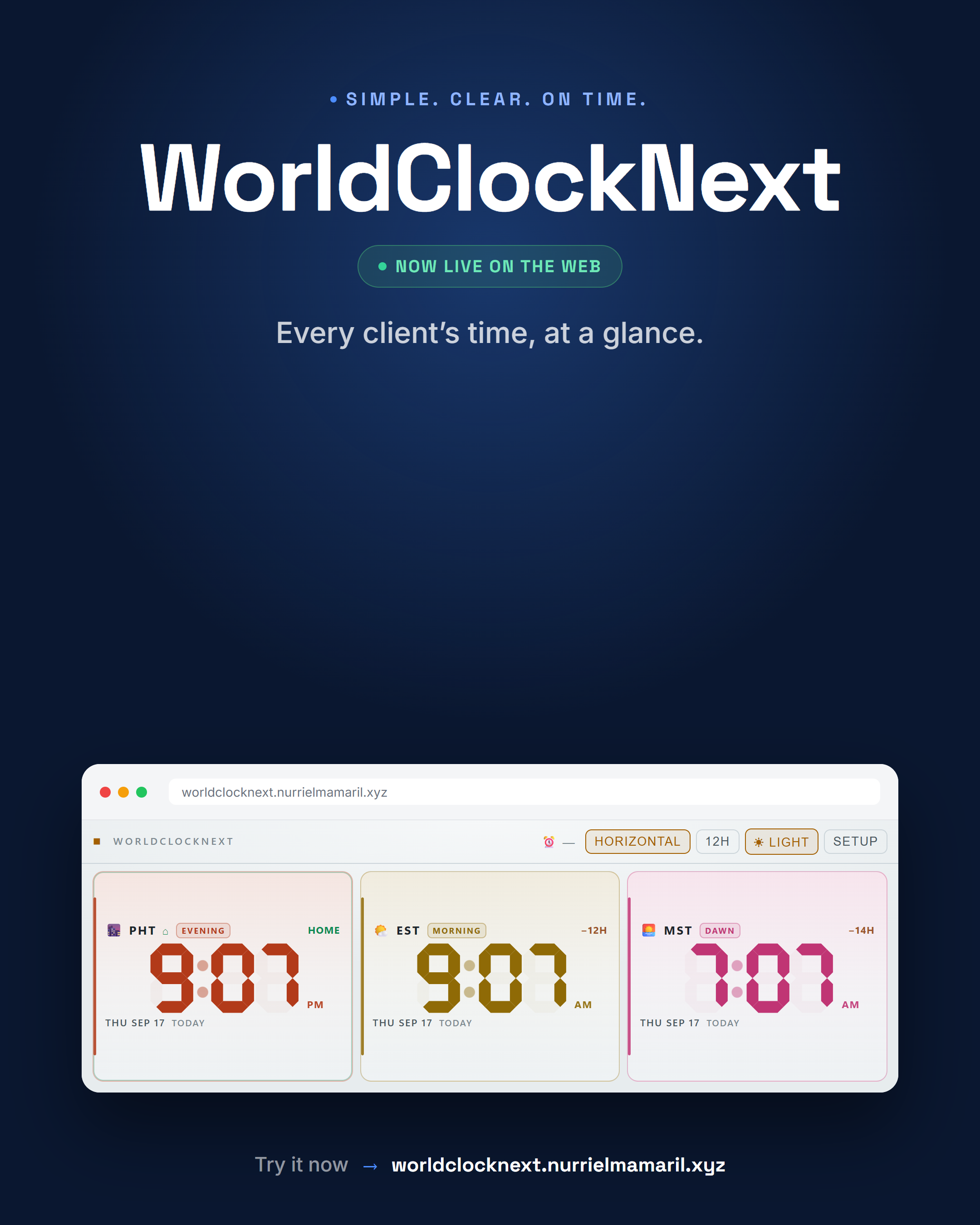
CoverEvery client’s time, at a glance
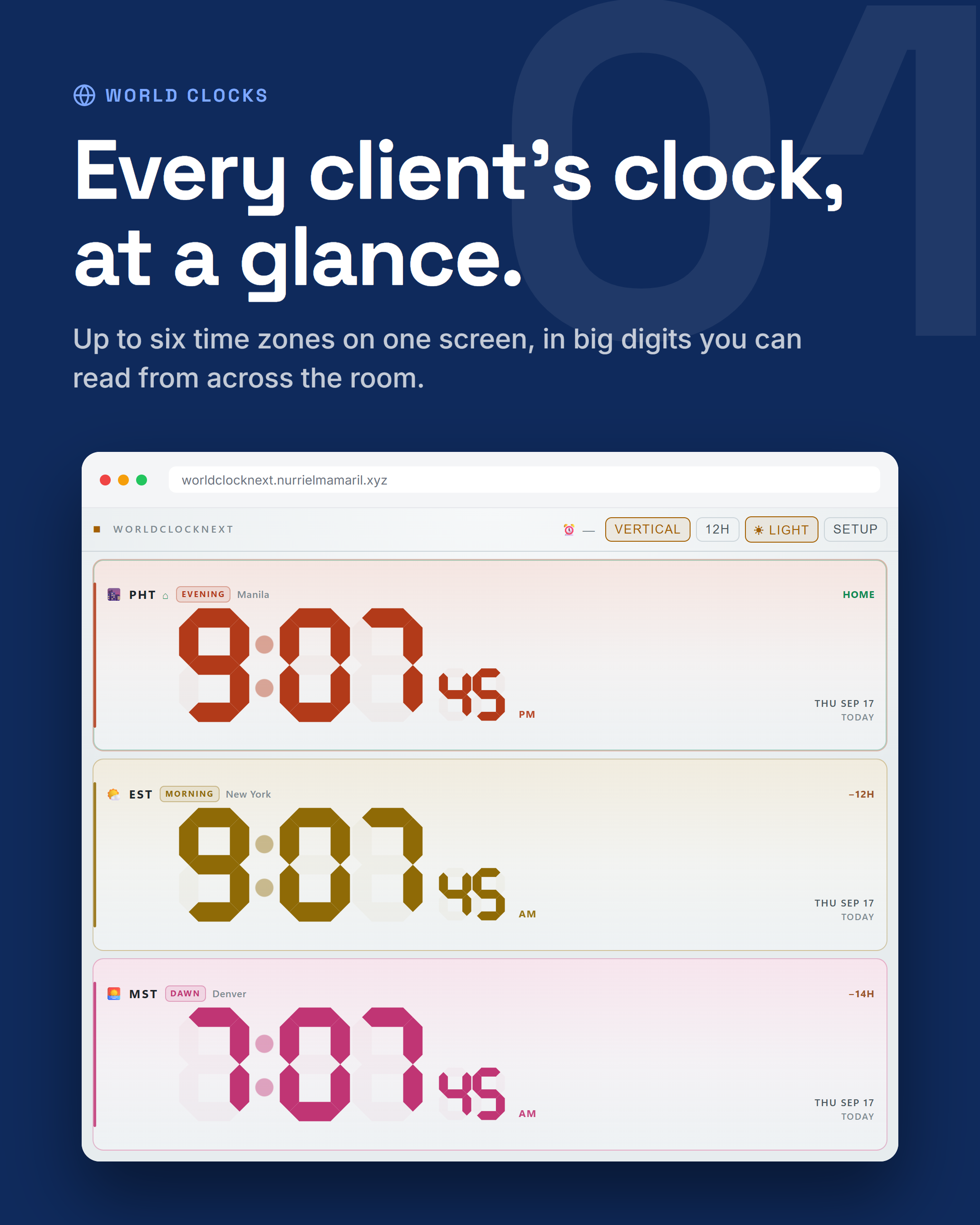
Up to six time zones on one screen
01 — World clocksEvery client’s clock, at a glance
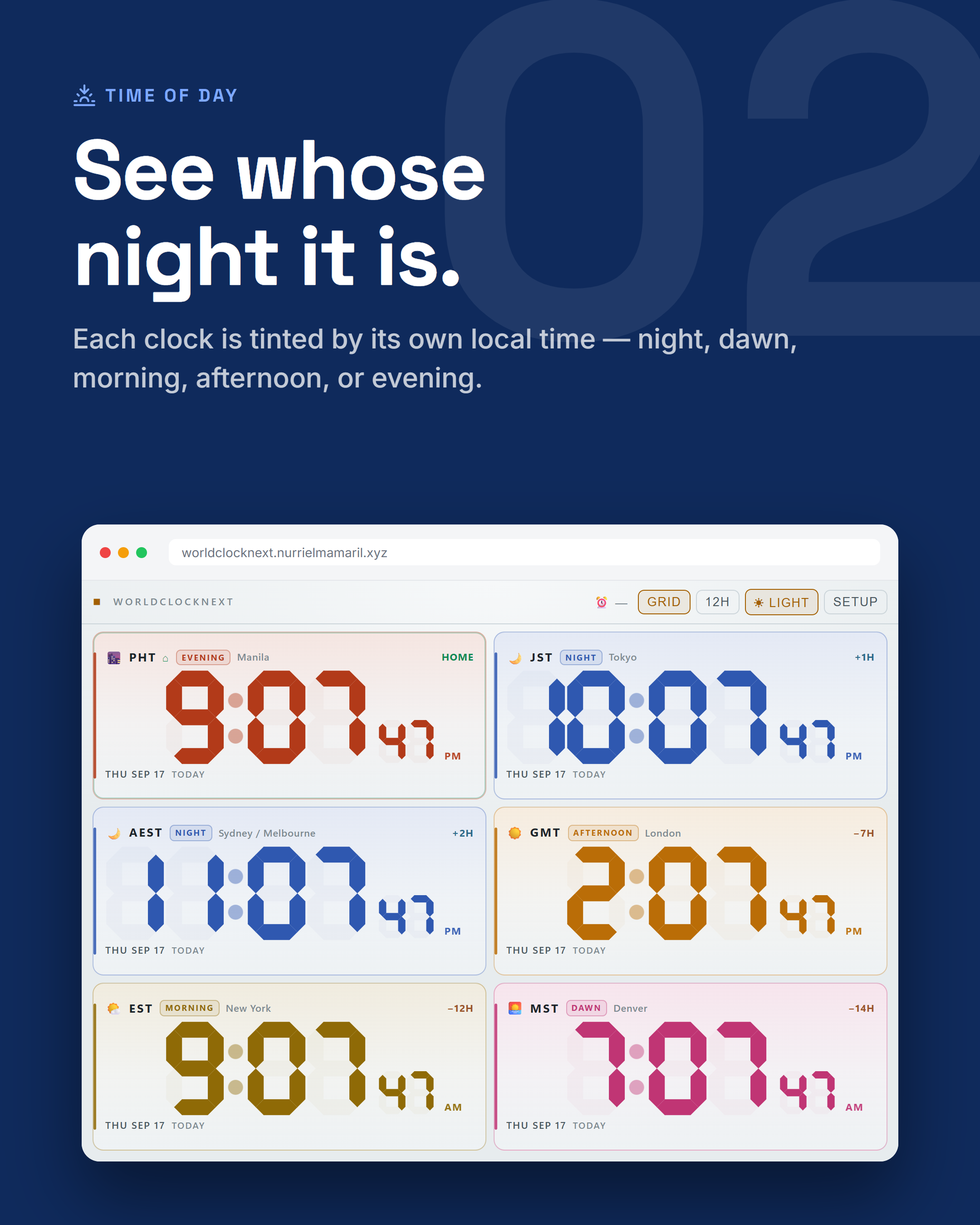
Each clock tinted by its local time of day
02 — Time of daySee whose night it is
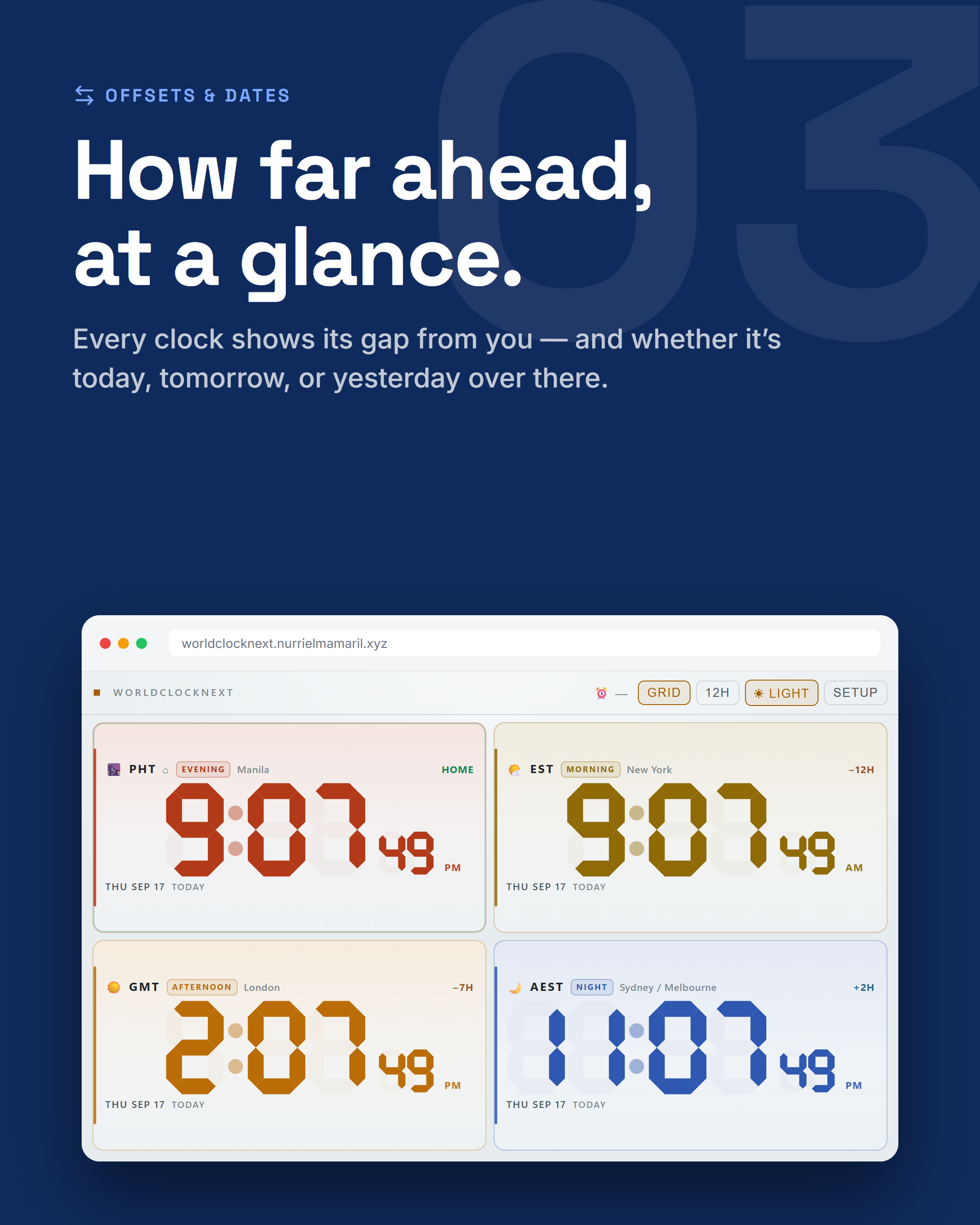
Offset from home and today, tomorrow, or yesterday
03 — Offsets & datesHow far ahead, at a glance
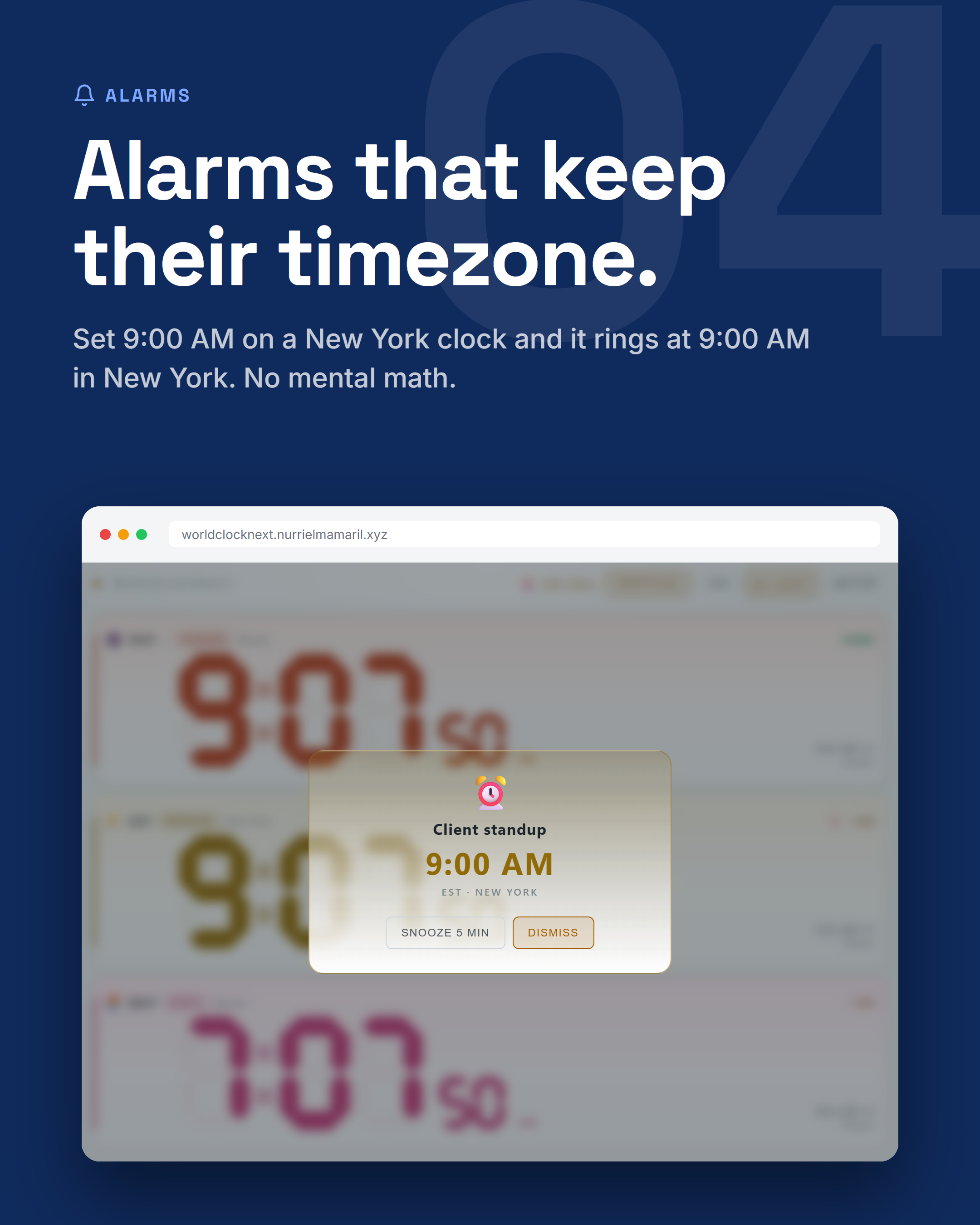
An alarm ringing at 9:00 AM New York time
04 — AlarmsAlarms that keep their timezone
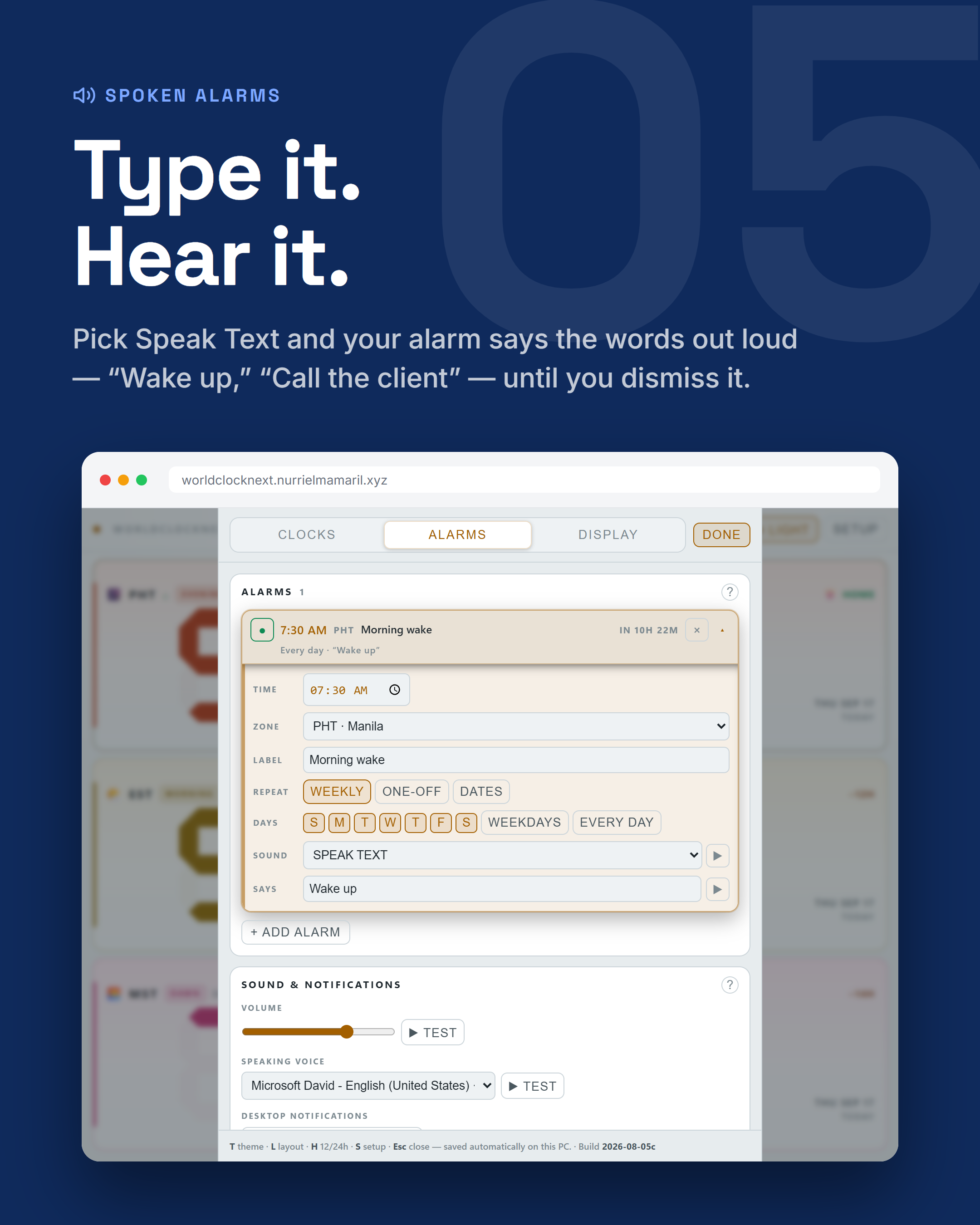
An alarm set to speak its words aloud
05 — Spoken alarmsType it. Hear it.
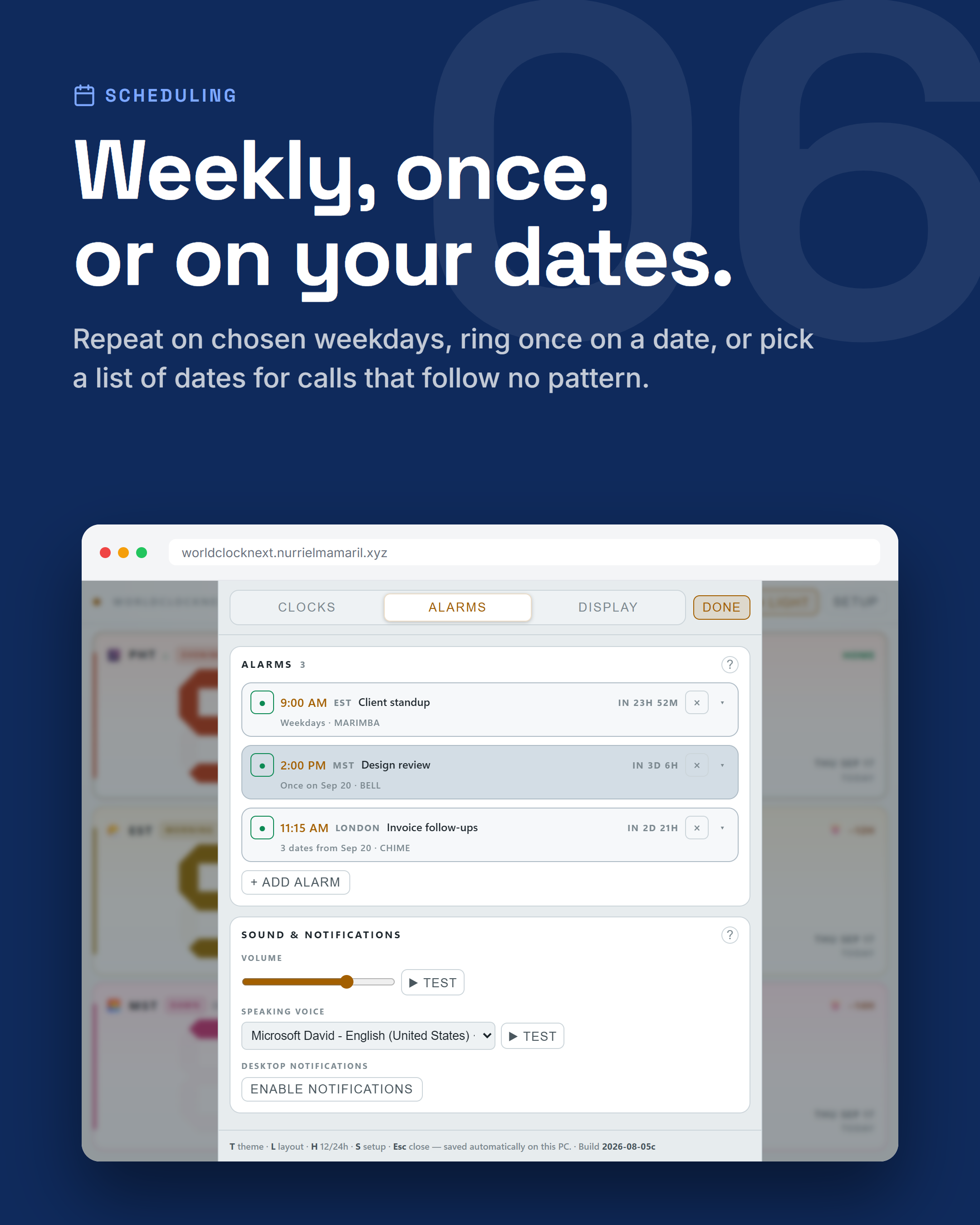
Weekly, one-off, and date-list alarms
06 — SchedulingWeekly, once, or on your dates
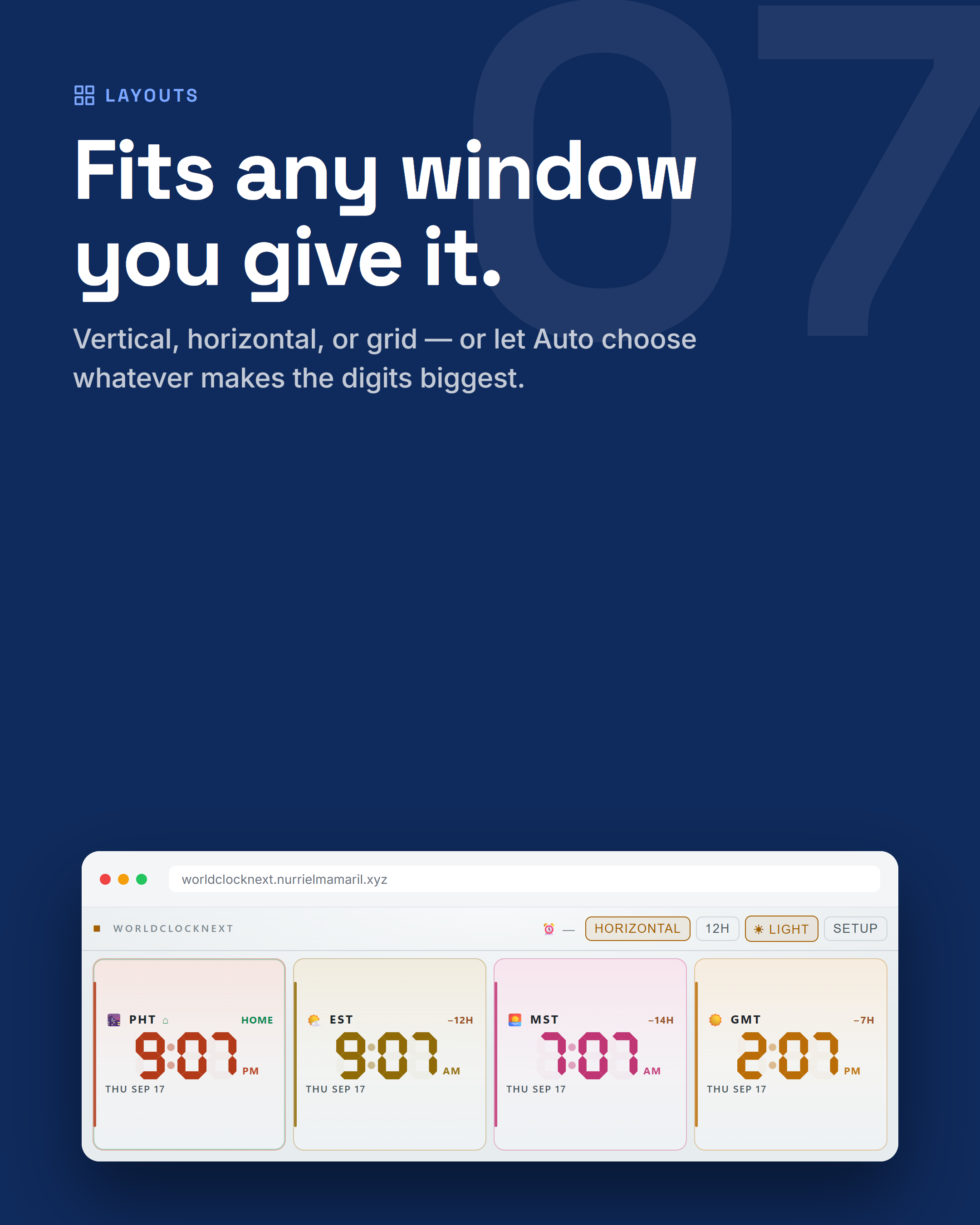
Clocks laid out in a horizontal strip
07 — LayoutsFits any window you give it
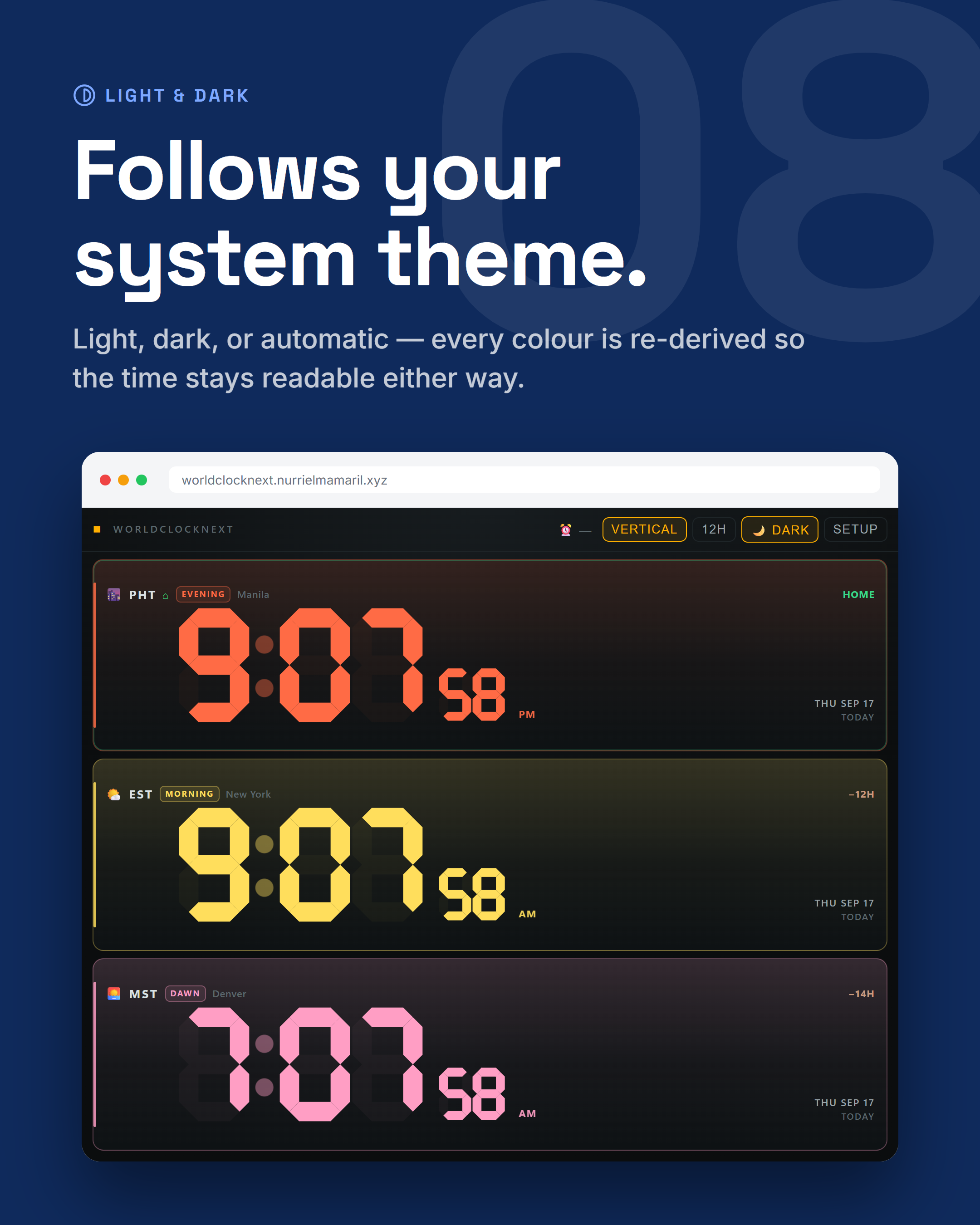
WorldClockNext in dark mode
08 — Light & darkFollows your system theme
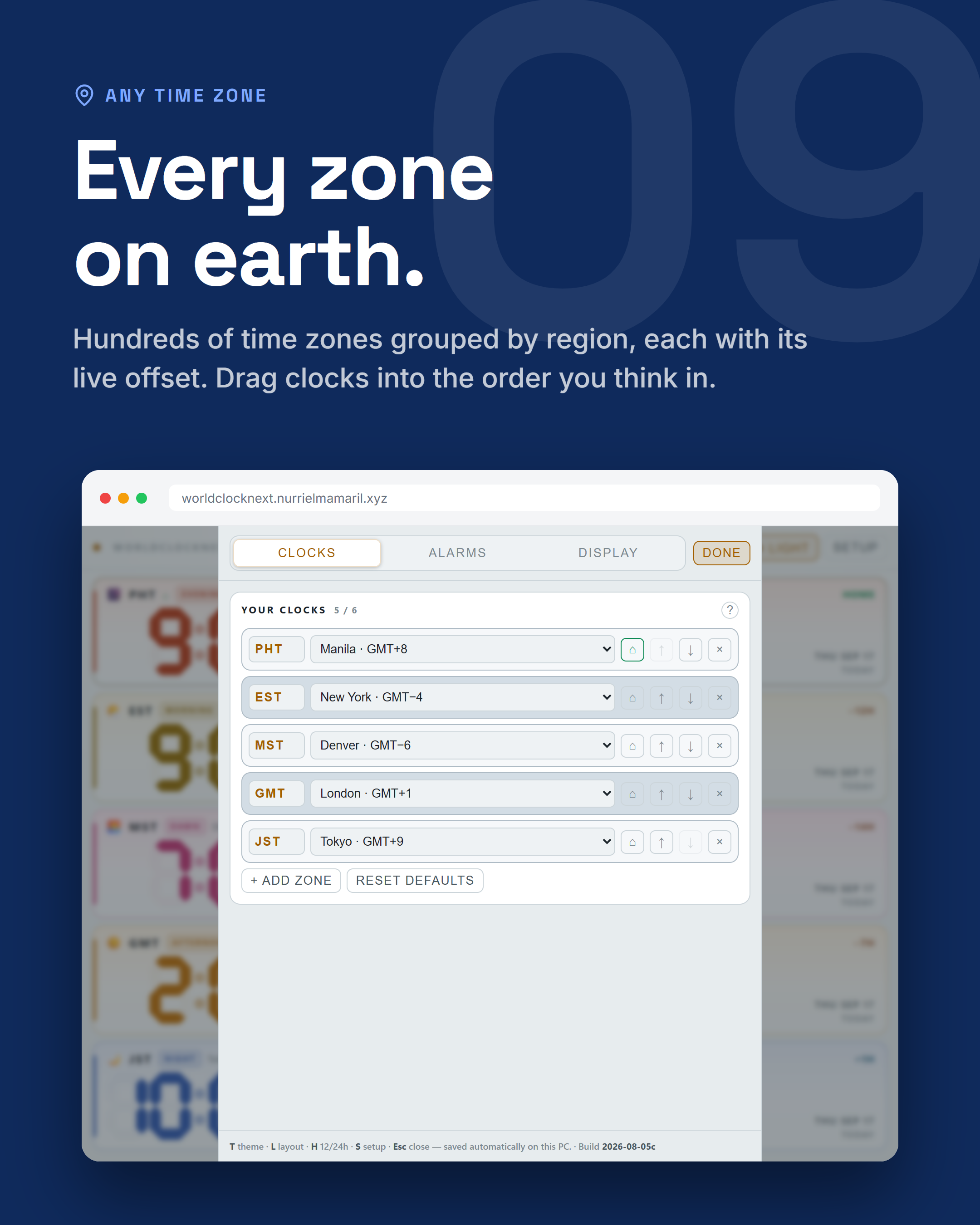
Time zones grouped by region
09 — Any time zoneEvery zone on earth
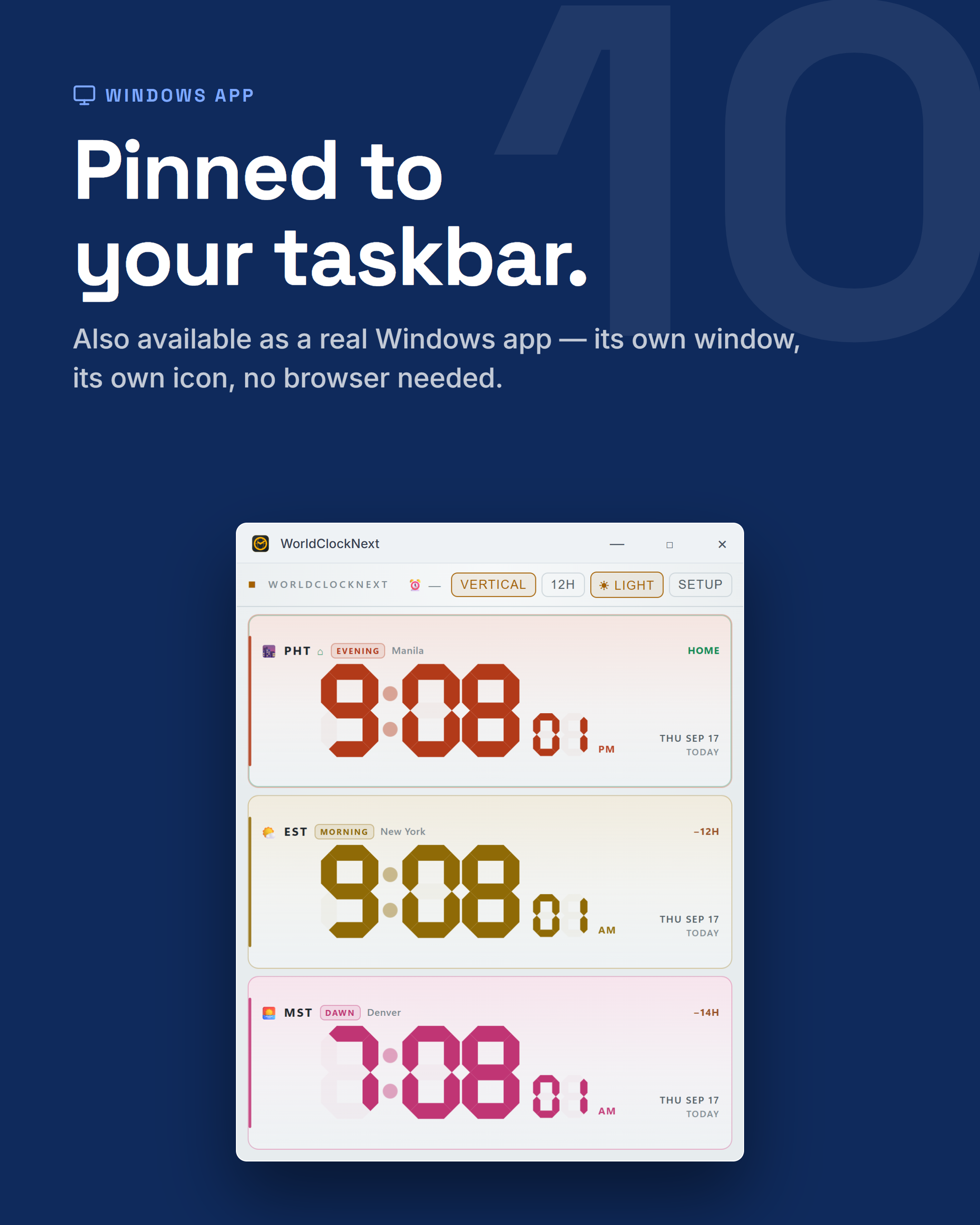
WorldClockNext running as a Windows app
10 — Windows appPinned to your taskbar
It's live — worldclocknext.nurrielmamaril.xyz
ClosingIt’s live